Microsoft May Security Patch Fails
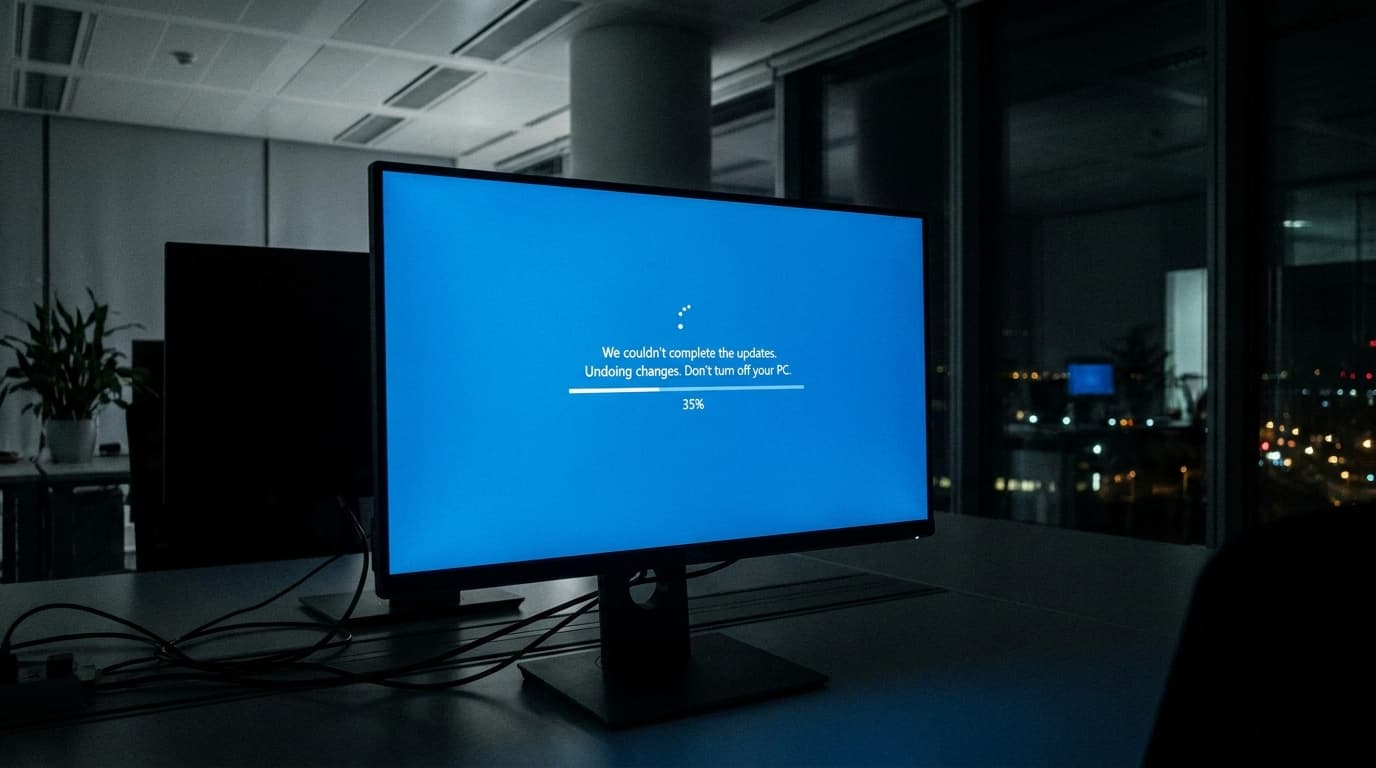
TL;DR: Microsoft's May Security Update for Windows 11 is failing to install on some devices. The issue is caused by insufficient free space on the EFI System Partition. This leaves affected systems vulnerable, as they do not receive the dozens of security patches included in the update.
Key facts
- Category
- Cybersecurity
- Impact
- Low
- Published
- Source
- ComputerWorld
Full summary
Microsoft's May Security Update is failing for some Windows 11 users due to a boot partition size issue, leaving systems unprotected.
Some Windows 11 users are experiencing installation failures with Microsoft's May Security Update. The process typically fails during the reboot phase, at around 35-36% completion, showing a generic error message that reads, “Something didn’t go as planned. Undoing changes.” Microsoft has confirmed the cause is insufficient free space on the EFI System Partition (ESP). The issue primarily affects devices that have 10MB or less of available space on this critical partition. The installation begins but cannot complete, forcing the system to roll back the changes and leave the device unpatched.
The main impact of this failure is that affected systems do not receive the dozens of security fixes included in the May update, leaving them vulnerable to potential exploits. This is a critical concern for IT and security teams tasked with maintaining organizational security and compliance. While the problem doesn't affect all users, administrators managing multiple Windows devices need to be aware of this potential installation blocker. Identifying machines with low ESP space is key to understanding the scope of the issue within an organization and ensuring that all systems can be successfully updated and secured against known threats.
Why it matters
The failure of a critical security update leaves systems exposed to vulnerabilities, requiring manual intervention from IT teams to diagnose and eventually resolve the issue, increasing security risk and operational overhead.
Business impact
Unpatched systems pose a significant security risk to businesses, potentially leading to data breaches or system compromise. The time IT teams spend troubleshooting this issue translates to lost productivity and increased operational costs.
⚡ Action needed
IT and security teams should identify systems with low boot partition space and monitor for Microsoft's official fix before attempting to re-apply the patch.
Action checklist
- 1Identify Windows 11 devices that failed to install the May Security Update.
- 2Check the EFI System Partition (ESP) size on affected devices.
- 3Postpone deployment on systems with less than 10MB of free ESP space.
- 4Monitor Microsoft's official support channels for a resolution or workaround.
- 5Avoid manually resizing partitions unless following official Microsoft guidance.
Tags
Related on Notifire
Related stories
Primary source: ComputerWorld