Rider IDE Adds WPF Hot Reload
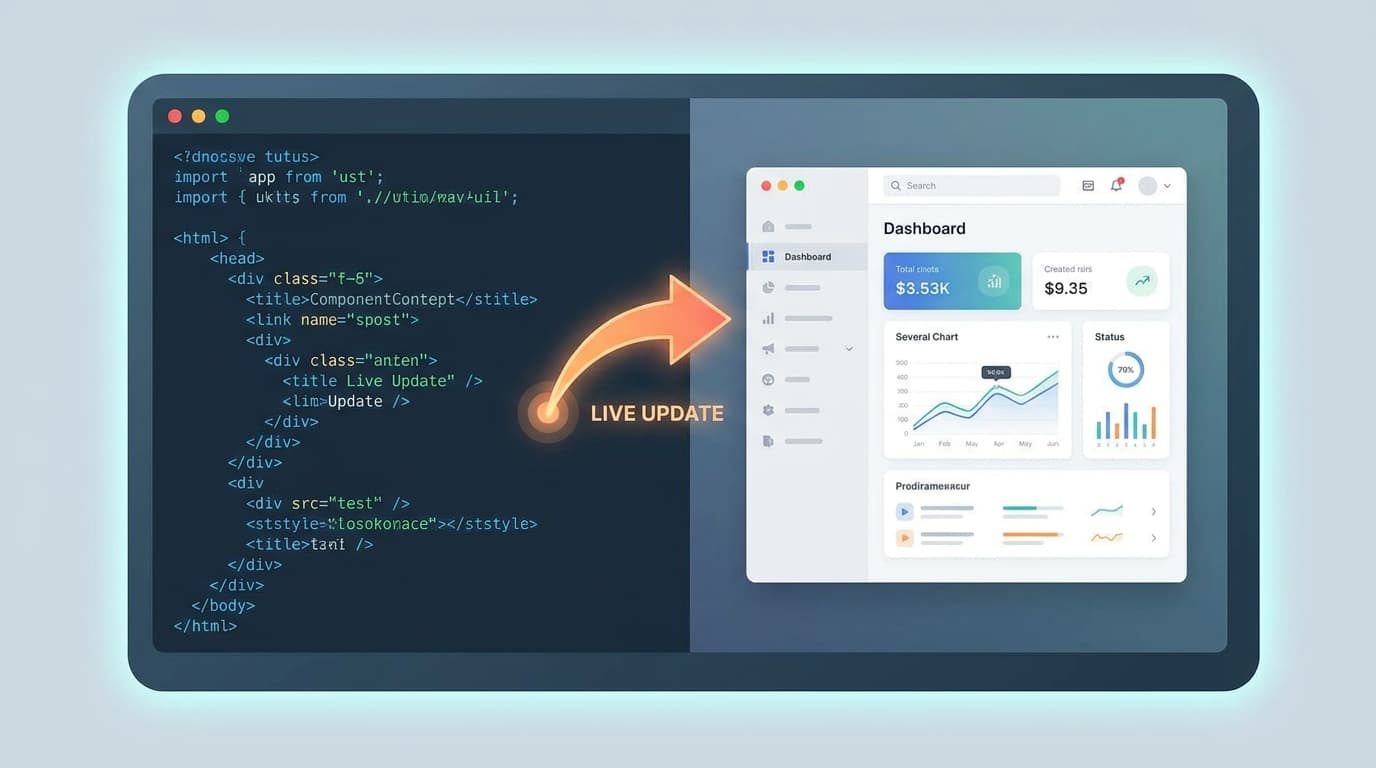
TL;DR: JetBrains has introduced WPF Hot Reload in its Rider IDE. This feature allows developers to edit XAML code and see changes reflected live in their running application without needing to restart or recompile, significantly speeding up the UI development workflow for desktop applications.
Key facts
- Category
- Tech Updates
- Impact
- High
- Published
- Source
- JetBrains Blog
Full summary
JetBrains' Rider IDE now supports WPF Hot Reload, letting developers edit XAML and see live updates without restarting their application.
JetBrains has released WPF Hot Reload for its Rider IDE, available starting with the 2026.2 Early Access Program (EAP) build. The feature enables developers to modify XAML files while an application is running in the debugger and see the user interface update instantly. This eliminates the need to stop, rebuild, and restart the application to view visual changes, allowing developers to maintain their state and position within the app.
This update is a significant productivity enhancement for developers working with the Windows Presentation Foundation (WPF) framework. The traditional UI development cycle can be slow, but Hot Reload creates a much faster, iterative process for designing and building interfaces. It allows for real-time experimentation with layouts, styles, and controls, reducing friction and saving development time. This new capability complements Rider's existing C# Hot Reload support, creating a more complete "Edit and Continue" experience for the entire WPF application stack.
By integrating this highly-requested feature, Rider strengthens its position as a competitive IDE within the .NET ecosystem. For development teams, this enhancement can lead to faster delivery of features and bug fixes in desktop applications, as the feedback loop between making a change and seeing the result is now immediate.
Why it matters
WPF Hot Reload significantly accelerates the UI development cycle for .NET desktop applications by allowing developers to see XAML changes instantly without recompiling, boosting productivity and enabling faster iteration.
Business impact
For businesses developing WPF applications, this feature can reduce development time and costs. Faster UI iteration allows teams to build and refine user interfaces more efficiently, leading to quicker delivery of products and features.
Tags
Related on Notifire
Related stories
Primary source: JetBrains Blog