Windows Security Patch Fails Over Glitch
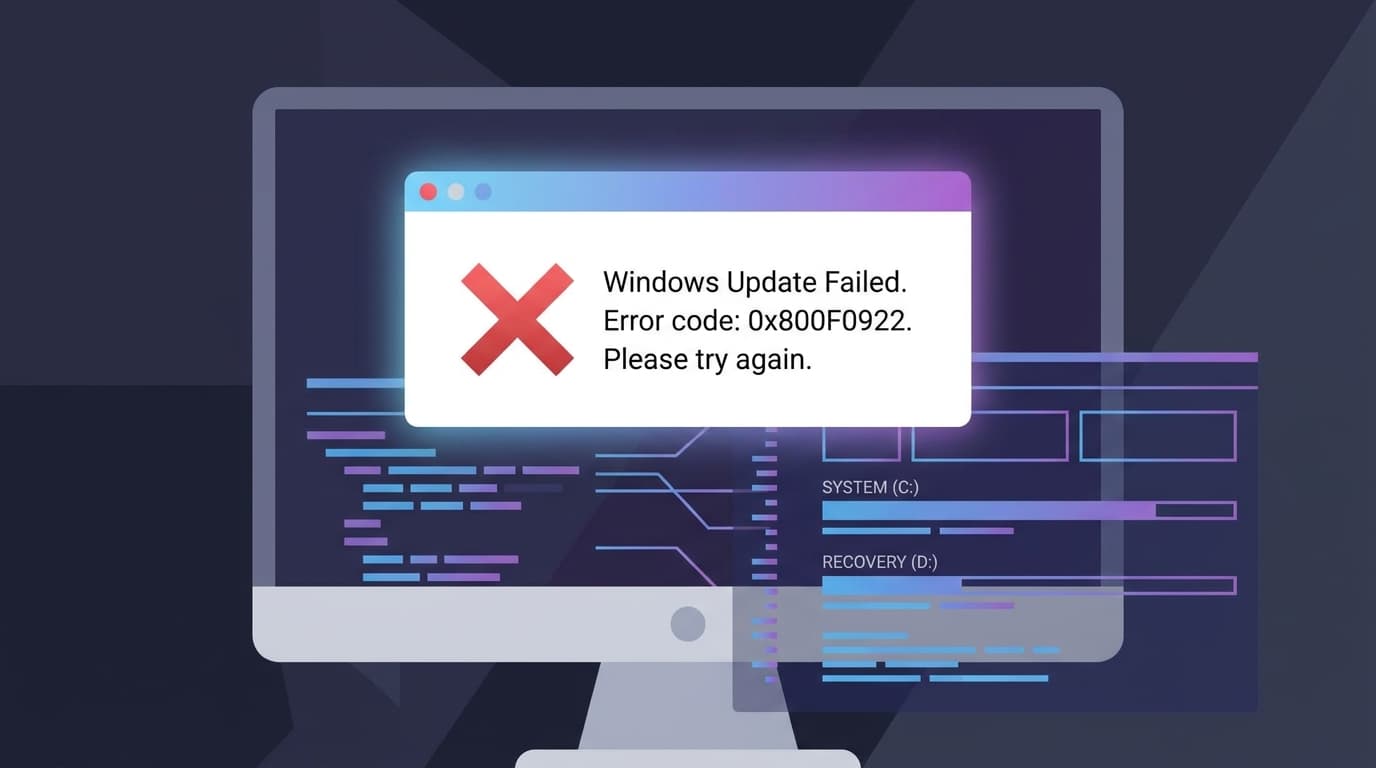
TL;DR: Microsoft's May security update for Windows 11 is failing for some users, leaving their systems unprotected. The installation fails and rolls back when the device's boot partition has insufficient free space. The issue occurs during the reboot phase, leaving dozens of security patches uninstalled.
Key facts
- Category
- Cybersecurity
- Impact
- Low
- Published
- Source
- CSO Online
Full summary
Microsoft's May security update is failing for some Windows 11 users, leaving their systems vulnerable due to a boot partition size issue.
Microsoft's May security update for Windows 11 is failing to install on some devices, leaving them unprotected. Affected users see a generic error message stating, “Something didn’t go as planned. Undoing changes,” after the installation process halts and reverts. According to Microsoft's advisory, the failure typically occurs during the reboot phase, at approximately 35-36% completion. The root cause is insufficient free space on the EFI System Partition (ESP), which is a hidden partition used by the system to boot the operating system. The problem specifically impacts devices with 10MB or less of available space on the ESP, preventing the successful application of the update.
The failure to install this update is a significant security concern. The monthly patch contains dozens of fixes for various vulnerabilities, and systems unable to apply it remain exposed to potential exploits. This leaves both individual users and corporate networks at risk. IT administrators and security teams must now identify which machines within their environment are impacted by this partition size issue. While the problem doesn't affect all users, it is critical for those it does, as their systems are missing essential security protections. Microsoft has acknowledged the issue, but in the meantime, manual intervention may be required to secure these vulnerable devices.
Why it matters
The failed update leaves systems vulnerable to numerous security flaws that the patch was designed to fix, increasing the risk of cyberattacks for affected users and organizations.
Business impact
Businesses with affected Windows 11 devices face an increased security risk. IT teams must dedicate resources to identify and manually remediate these unpatched systems to maintain their security posture and prevent potential breaches.
⚡ Action needed
IT and security teams should identify affected Windows 11 devices and investigate solutions to increase the EFI System Partition size to allow the May security update to install.
Action checklist
- 1Identify Windows 11 devices failing to install the May security update.
- 2Check the EFI System Partition (ESP) for free space on affected devices.
- 3Prioritize patching systems with less than 10MB of free space on the ESP.
- 4Follow Microsoft's guidance for resizing the partition if necessary.
- 5Monitor for an official fix or updated patch from Microsoft.
Tags
Related on Notifire
Related stories
Primary source: CSO Online